

How It Works
When a media file is sent or retrieved, CometChat returns a pre-signed URL in the following format:
Pre-signed URLs are returned across all surfaces - SDK responses, REST API, and webhook payloads.
Configuring the TTL
The TTL (Time-to-Live) controls how long a generated pre-signed URL remains valid.
To configure the TTL:
- Go to the CometChat Dashboard.
- Select your app and navigate to Chat & Messaging → Settings.
- Under Pre-Signed URLs, set your desired TTL value.
- Save your changes.
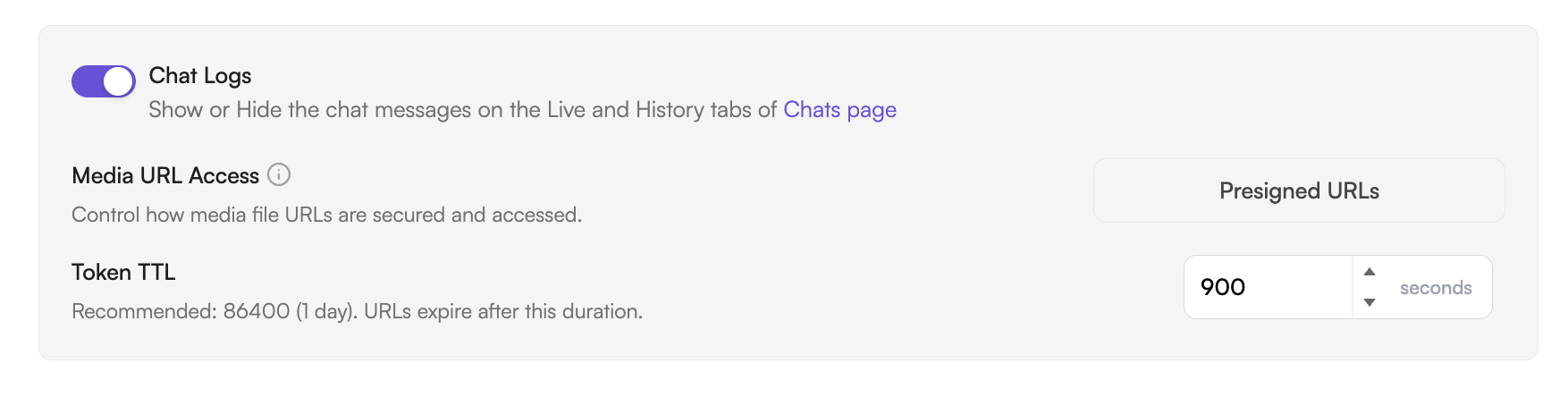
TTL configuration is available on all plans. Changes take effect for all new pre-signed URLs generated after saving; existing URLs retain their original expiry.